Game coaching · Agent skill · Manual handoff prototype
VALORANT VOD Coach
A scoreboard shows the result but not why a peek, rotation or team call went wrong. Replays can also make an in-game choice look obvious in hindsight.
I built an Agent skill and local workflow that prepare first-person recordings, optional replays and team audio for an AI assistant. It explains key decisions with video timestamps and suggests practice tasks, keeping what the player knew separate from what the replay reveals.
Python · JavaScript · FFmpeg · faster-whisper · pyannote.audio · PyTorch · Agent workflows
View skill ↗Setup and current scope
The main workflow freezes materials and annotations into a handoff prompt for an external AI assistant with local file, image and media-tool access. Full-match reviews are started manually, and their reports are opened from the assistant’s output paths. Optional API adapters (OpenAI, Gemini, Anthropic or Ollama) support limited image-and-text steps or a single-case experiment, not automatic full-match audio/video review. Audio preparation requires optional local models; check model judgments against the recordings.
From recordings to coaching
- Prepare the match
Select a local first-person recording and optional replay, preview them, choose audio tracks, and confirm the map, agents and your player. Save a draft or skip audio when it is unavailable.
Tools: Python standard-library HTTP server · HTML / CSS / JavaScript · ffprobe for media metadata.
- Organise speech locally
With the optional audio setup installed, the preparation tool extracts selected tracks, transcribes speech and groups anonymous speakers. These provide review candidates; a transcript or speaker group alone does not establish who spoke.
Tools: FFmpeg for audio extraction · faster-whisper with Whisper large-v3 / CTranslate2 for transcription · pyannote.audio Community-1 / PyTorch for speaker diarization.
- Listen, select and label
Play a short clip and select the teammate you recognise. Mark game voices, overlapping speakers or unknown sounds, and correct transcript text separately. Clean confirmed samples help find similar clips for review; suggested identities remain distinct from human confirmation.
Tools: Community-1 speaker embeddings · cosine similarity with score and competing-candidate margin thresholds · JavaScript labeling interface.
- Check sound against the picture
Open the clip alongside a muted source-video preview. Play, pause and seek them together to check the timing, then record a match or mismatch. Saved labels can be revisited and corrected; each timing check applies to that clip.
Tools: HTML5 audio / video · JavaScript playback and seek events · original source timestamps.
- Inspect the match and key moments
After manual handoff, the AI assistant follows the Skill to review a whole-match frame index, then inspect fights, rotations and communication windows more closely. When a replay is available, it aligns round events and distinguishes player knowledge from later replay information.
Tools: FFmpeg / ffprobe for timestamped frames · 1 FPS navigation and 4 / 8 FPS key windows · a compatible external AI assistant for visual interpretation.
- Turn evidence into practice
Connect the reviewed footage and available voice evidence to timecoded explanations and concrete drills with observable goals. Paired reviews can produce individual and team reports; uncertain speaker identities or missing evidence remain explicit.
Tools: Agent Skill instructions · structured JSON evidence records · Markdown and offline HTML reports.
How the speaker tools differ
Speaker matching starts with reference voices and uses Silero VAD (ONNX) and NVIDIA TitaNet via NeMo to export matching speech. This coach first groups anonymous speakers with Community-1, then uses human labels and Community-1 embeddings to propose teammate matches. Both compare voice similarity; the coach also adds transcription and video context.
Post-match review only. Unofficial and unaffiliated with Riot Games.
Project source on GitHubDesktop software · In development
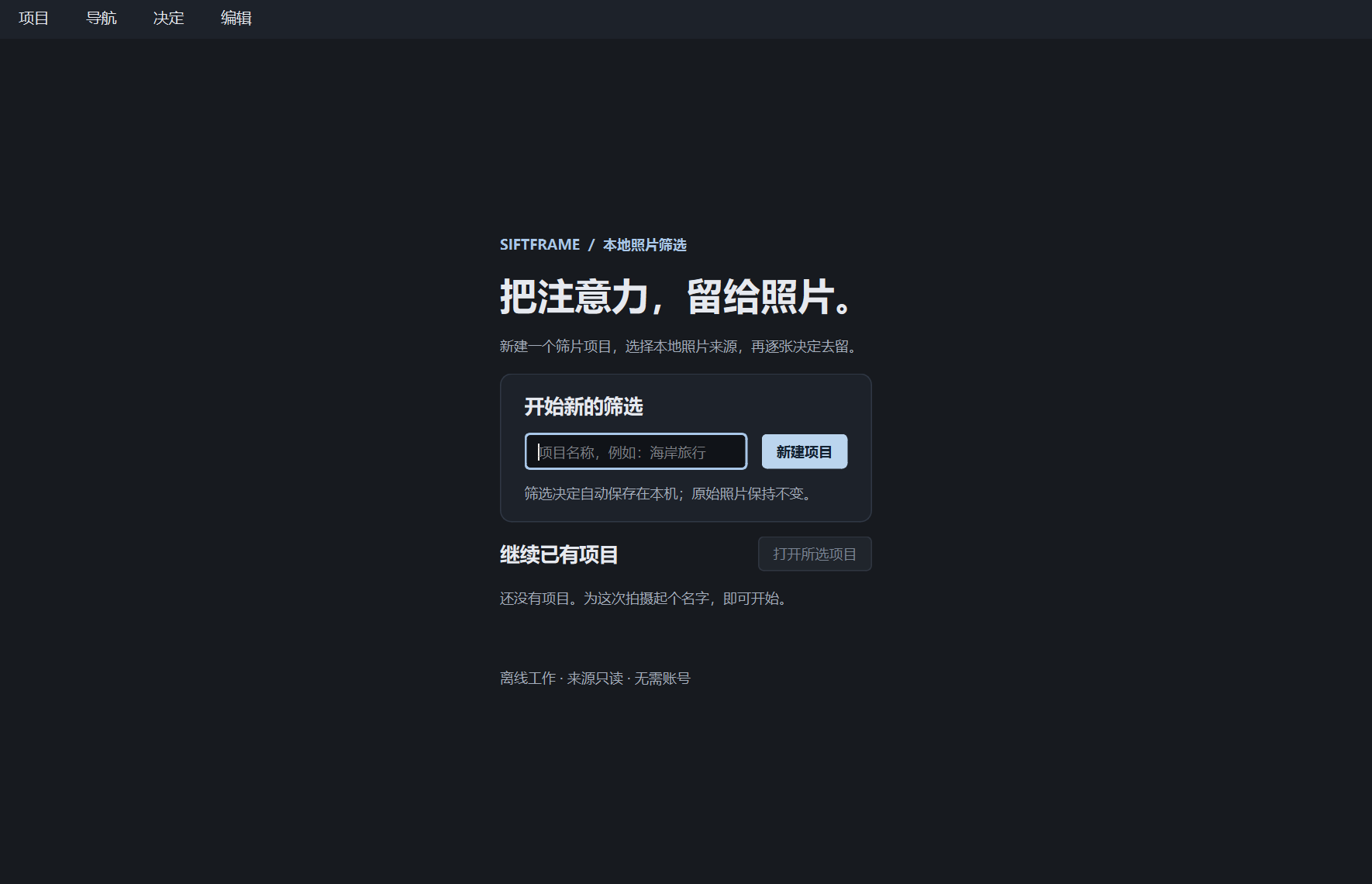
SiftFrame
Reviewing a photo collection means repeatedly comparing images and deciding what to keep. SiftFrame brings previews, keep/reject choices and undo/redo together in a local Windows workflow.
Python · PySide6 / Qt Widgets
View project
Photo selections use three states: undecided, keep and reject, with session undo and redo. A standalone Windows release has not yet been validated.
Creative web project · Ongoing
MyPick
Favourite songs are easy to list but harder to arrange into a board you can share. MyPick lets fans build a personal Top 10, compare boards and save or export their selections.
Next.js · TypeScript · React
Open MyPick ↗About the project
Adapted an open-source song picker into a shared codebase for three groups, adding local board backup, comparison tools and export templates.
Adapted from rurimegu/MyPickHasunosora (MIT), an unofficial fan project.
≒JOY · ≠ME · Source code